A team is not a bigger single user. What breaks is two of you touching the same thing.
The moment a third person joins, three things that cost nothing on your own start costing something. Two people open the same program and one of them saves last. Two people spend from the same AI balance and nobody set a ceiling. The same customer asks the same question through the website form, the shared mailbox and the chat widget in one afternoon, and nobody owns the reconciliation. Team, which the plan record itself titles Colab, answers each of those rather than giving you more of the first one. It is $149 a month and carries 100 editor seats, 250 projects, 250 GB of Drive and 1,600 AI credits, but the seat count is the consequence and not the argument. What you are actually buying is a lock on the node somebody is editing, a hard cap on what each profile and each member may spend, and one numbered queue with an owner and a deadline that every door feeds into. Each of those 100 seats attaches to an account the person already has: an invitation looks them up by email across the whole platform and hangs your access on the uid they already carry, so nobody joining your team is asked to make a second Xuda account.
Team, per month, on one bill for the whole group
Editor seats it carries, where Pro carries two and Free one
AI credits a month, shared, and cappable per profile and per member
Doors a request can arrive through, all filing into one numbered queue
Teams do not all arrive for the same reason.
IT departments reach for Team earliest, because handing out access is the thing that is literally gated. Six other shapes of team arrive on the same rung for a different reason each. Read down the left for the one that sounds like your week; the right hand side names the surface it runs on rather than a capability.
Four things a team does on Team, and three of them a Pro account is refused outright.
Three of the four below are not merely easier at $149, they are refused below it, and the refusals are in code rather than in a pricing table: the two invitation methods, the spending cap, and the login screen you put in front of the people you invite. The fourth is gated on nothing, it is simply the job that never comes up until more than one person holds a project. Everything else on this page a smaller account can already do; those three refusals are why the rung exists.
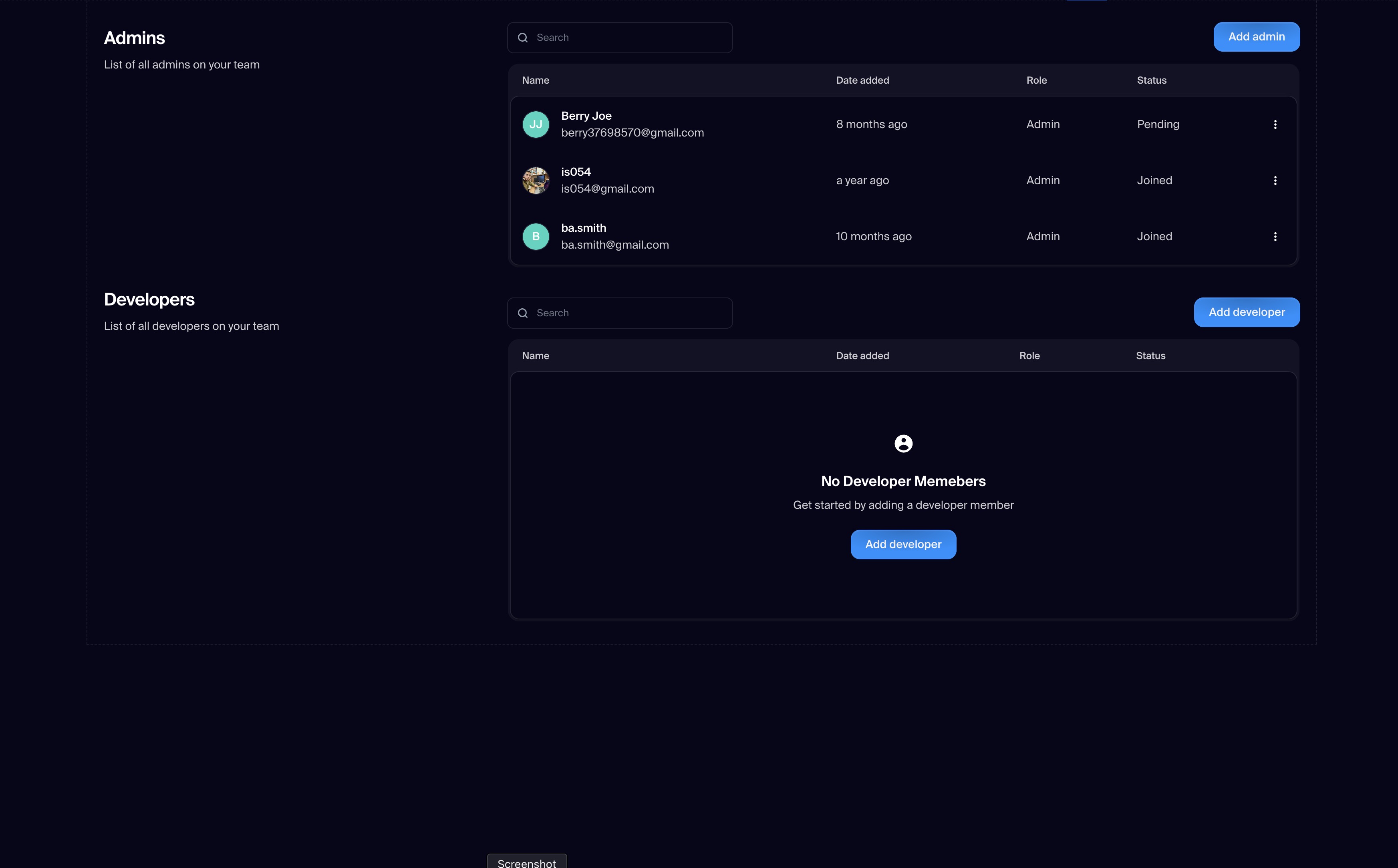
- Invite developers into Studio and admins into the dashboard, by email address. Both methods carry a minimum plan of team and the check runs at the door, so a Pro account does not get a smaller version of this, it gets a refusal.
- Cap what each workspace profile and each member may spend on AI. Pool, per profile, per user, per model and per source caps, soft and hard, with model allow and deny lists, the ability to freeze one profile or one member, and alert thresholds that default to 80 and 100 percent. Reading your own numbers works on any plan; writing the rules is refused below team rank with the sentence Credit management is available on the Team plan.
- Put your own login screen in front of everyone you invite, and see what it costs while it runs. Sponsored users are metered per hour and flushed to Stripe, and one listing shows the pending and active ones with accrued hours and estimated cost. An invitee may have only one sponsor, and a sponsor cannot itself be sponsored.
- Unlock the program somebody left checked in when they went on leave. This one is not gated on the rung, it is gated on having a second person. An admin walks the app tree and clears the holder off every node that uid was holding in one bulk write, and the answer is a count of the programs it checked out.
What the week actually looks like for the three biggest ones.
Three of the seven, drawn out with the jobs people actually run rather than the features they map to. Each one is a thing somebody does on a Tuesday.
- 01
IT department: give access, take it back, unstick what is stuck
You invite by email address, and the invitation resolves the person against every account on the platform first, so somebody who already uses Xuda simply gains your projects. The three access descriptions are literal strings in the code: as an admin via the Xuda dashboard, as a Developer using Xuda's Studio, and as a User Operator. Then the job nobody puts on a feature list. Somebody goes on leave with a program still checked in, and an admin runs one bulk write that walks the app tree, clears the holder off every node that uid held, and answers with the number of programs it checked out. You can also put your own login screen in front of everyone you invite and read the running cost, metered at half a cent per sponsored user hour.
- 02
Product team: one project, more than one pair of hands
The lock is a check-in and it is per node, held as a field on the node document. Saving a node somebody else holds refuses with the holder name. Saving a node nobody has checked in refuses with the words Please check-in, after walking up the parent chain to see whether anything above it is held. Beside it sits the version rail: fifty snapshots per document, and a restore that re-reads the live revision first, asks before overwriting, then saves forward as a new snapshot so the restore is itself reversible. Before anything goes live you hand a stakeholder a preview link, its own deployment type at $15 a month.
- 03
Support desk: every door, one queue
Requests arrive through nine named sources in the code, the website, the profile contact form, the ticket forms and the API among them, and every one lands in the same numbered queue with the requester filed as a contact. Deadlines can respect your working week rather than wall clock hours: business hours default to 9 to 17, Monday to Friday. The AI is a dial rather than a switch and it moves in named steps: none, then drafts for a person to approve, then replies to the customer, then resolves. A person still closes the ticket. The desk starts at $0 for 100 tickets a month and one agent seat, on its own line beside the membership.
What moving costs, and what it actually buys.
Once you know you are a team, the only question left is what the rung below stops you doing and what the rung above adds. Three of these rows are the whole decision. Moving up from Pro turns on the invitation methods, the spending caps and your own login screen, which is a difference in kind rather than in size. Moving up from Team to Agency does almost nothing for the way you work together and everything for selling copies of what you build, which is a different business rather than a bigger one. If you are not selling instances to clients, the Agency column is not a better version of your column.
Pro, $49 | Team, $149 | Agency, $399 | |
|---|---|---|---|
| Editor seats | 2 | 100 | 1000 |
| Projects | 50 | 250 | 1000 |
| Drive | 50 GB | 250 GB | 1000 GB |
| Invite developers and admins by email | |||
| Credit rules: per profile and per member caps | |||
| Your own login screen on the people you invite | |||
| Client copies you can sell | 0 | 0 | 500 |
| Publish to the marketplace and upload a plugin |
Six things Team does not do, including two the site itself gets wrong.
- Sellable instances stay at zero. Team gives a hundred people the same projects; it does not give you a copy of your product to hand a client and charge for. That is the Agency rung and no add-on on this page changes it.
- The spending cap is a budget control, not a security boundary. The gate that evaluates credit rules fails open by design: an internal error allows the spend rather than blocking it, so it keeps an honest team inside a budget and will not stop a determined one.
- The plan record flips an ai priority string to Included at Team, and this page will not tell you what that does. A repo wide search finds that string only in two config files, the pricing page and one content file. No running code reads it, so there is no behaviour to describe.
- The pricing config lists the credit rules method at a minimum plan of pro while the method itself refuses anything below team rank. The code is the truth. The cost of the disagreement is real: a Pro account can read that line and meet a refusal it was not warned about.
- The lock stops a collision, it does not resolve one. There is no field level merge, no diff, no presence and no shared cursors, and the claim is a field on the document rather than a server lease, so a save that never reaches the server never clears it.
- Two surfaces are not finished, one of them named on this page. The change feed worker the operations row points at is listed in the beta set, and the AI coding module a team usually asks about next is switched off in the repo copy of a config file that is secret stripped and known to differ from the live one. Ask before you plan around either.
Four questions, asked on every one of these five pages
The same four everywhere, so you can compare the doors rather than the copy. Every answer here lands on something checkable.
The seat count is the last thing to decide.
Work out which of the seven you are first, then which of the three Team only things you will actually use, then look at the price. Nothing on this page is a bundle: the membership is one line and every suite beside it, the ticket desk, the site, the bot check, bills on its own and starts at zero.